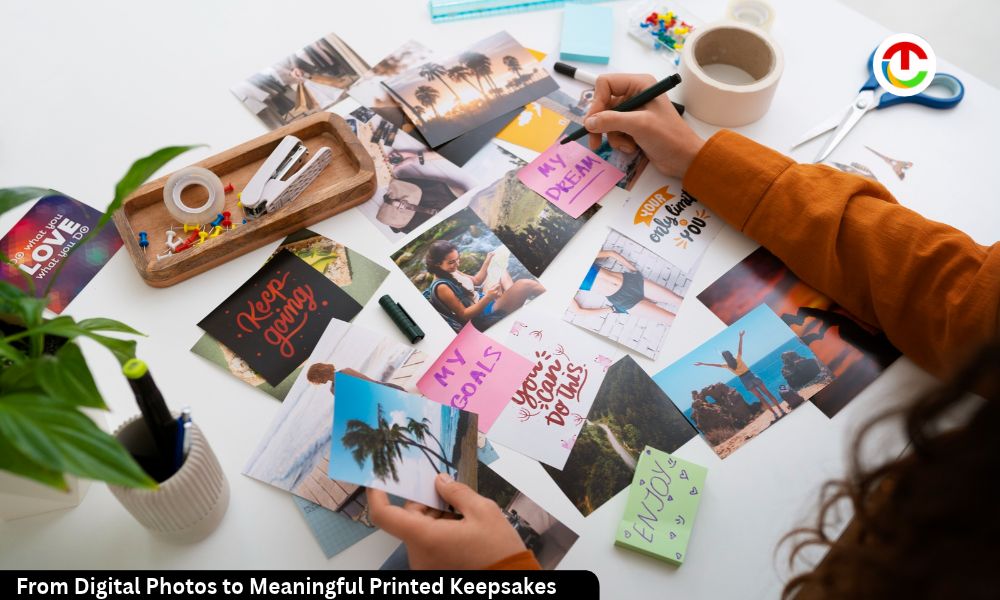
Smartphones make photography effortless. People capture birthdays, holidays, family gatherings, vacations, and everyday experiences without thinking twice. However, thousands of digital images often remain stored in phones, cloud accounts, and external drives. They are easy to forget and rarely revisited.
Printed photo keepsakes offer a different experience. They turn scattered images into organized collections that people can hold, share, and revisit. The process involves more than printing photographs. It requires image selection, digital organization, layout planning, and reliable production.
Why Digital Photos Need a Physical Format?
Digital Photos provides convenience, but convenience does not guarantee preservation. Images can become difficult to locate when storage systems fill up or accounts change. Files may also become inaccessible because of damaged devices, forgotten passwords, unsupported formats, or accidental deletion.
A printed photo book creates a physical record of selected experiences. It gives photographs a defined structure and makes them easier to explore. Instead of scrolling through hundreds of unrelated images, readers can follow a sequence that documents a particular event, person, or period.
Physical albums also support shared experiences. Families can browse them together, children can revisit early memories, and friends can exchange personalized collections. This makes printed photography useful for both personal documentation and meaningful gifting.
Turning Digital Photos Into Personal Keepsakes
Creating a quality photo book starts with selecting images that communicate a clear story. A collection should have a purpose rather than simply contain every available photograph. For example, a travel album might follow the journey from departure to arrival, while a family book could document important milestones across several years.
A practical workflow includes:
1. Organize images:
Group photographs by date, event, location, or subject. Remove duplicates and unnecessary screenshots.
2. Check image quality:
Review resolution, sharpness, exposure, and orientation. Avoid heavily compressed files when possible.
3. Build a narrative:
Arrange images in a logical sequence. Combine wide shots, portraits, and close-up details to create visual variety.
4. Choose a consistent design:
Use complementary fonts, balanced spacing, and a limited color palette.
5. Review every page:
Check captions, image crops, alignment, spelling, and page transitions before approving the final version.
Online design platforms make this process more accessible. Services offering AI photo books can help users transform digital photographs into organized, personalized collections. Design tools can simplify layout decisions and reduce the time required to arrange large image libraries. Users should still review automated selections and page compositions to ensure the finished book reflects their intended story.
Technical Factors That Affect Print Quality
A photograph that looks sharp on a phone may not produce the same result in print. Screen displays use emitted light, while printed images rely on reflected light and physical ink or printing processes. This difference affects brightness, contrast, and perceived color.
Image resolution is an important consideration. A photograph should contain enough pixels for its intended print dimensions. Enlarging a small image can expose compression artifacts, blurred edges, and pixelation. As a general production guideline, approximately 300 pixels per inch is desirable for high-quality photographic printing, although acceptable resolution depends on viewing distance and print technology.
Color management also matters. Screens and printers reproduce color differently. Brightness settings, display calibration, paper characteristics, and printing profiles can all influence the final appearance. Reviewing proofs and avoiding excessive saturation can help produce more consistent results.
Preserving Photographs Beyond the Album
Printing selected photographs should complement, not replace, digital backups. A reliable preservation strategy uses multiple copies stored in separate locations. The Library of Congress provides practical guidance through its Personal Digital Archiving resources, including information about managing and maintaining personal digital collections.
For important photographs, retain original files whenever possible. Store backup copies on separate devices or reputable cloud services. Use descriptive filenames and organize folders consistently. Periodically check that files remain readable and that backup systems are functioning.
Printed albums also require sensible storage. Keep them away from direct sunlight, excessive humidity, heat, and damp surfaces. Handle pages with clean, dry hands. These measures reduce avoidable deterioration and help preserve the physical collection.
Making Printed Memories Part of Everyday Life
A well-designed photo book combines technical preparation with personal meaning. It gives digital images context, sequence, and a lasting physical format. The strongest collections are selective, visually consistent, and built around experiences worth revisiting.
Whether documenting family milestones, travel adventures, or personal achievements, printed keepsakes provide an alternative to leaving meaningful photographs buried in digital storage. With thoughtful curation, suitable image quality, and careful preservation, ordinary digital files can become lasting records of important moments.
Also Read :- How Technology Is Reshaping the Modern Diamond Industry