How ten enterprise AI app builders handle SSO, permissions, data residency and audit logs, plus the questions IT teams should ask first
Enterprise AI App Builders go beyond simple vibe coding tools. It’s easy to prompt any app builder into a working prototype, but will it hold up inside an enterprise environment that needs security, auditability, and access controls?
We’ve built on all ten platforms enterprise AI app builder below, and have now ranked each one on what your enterprise IT team is going to ask about first: single sign-on, user provisioning and audit trails, plus the hosting region and the price of the plan that carries them. The checklist near the end turns them into ten questions for any vendor.
TL;DR: the best enterprise AI app builder for enterprise teams in 2026
- Softr: generates the database and core app for business teams, and puts SSO, SCIM and audit logs in its Enterprise plan.
- Microsoft Power Apps: Microsoft’s low-code AI app builder inside Power Platform, licensed per user.
- Retool: internal software on your databases, APIs and models, with audit logs from Business.
- Superblocks: an AI coding agent builds internal apps that can deploy in your own cloud on Enterprise.
- WeWeb: AI generation plus a visual editor, with regional hosting or code export.
- DronaHQ: a low-code platform for internal apps and agents, in its cloud or self-hosted.
- Bubble: AI and visual editing for web and native mobile apps, metered in workload units.
- Glide: spreadsheet- and prompt-to-app building for operators on GlideOS.
- Lovable: prompt-to-code apps hosted on Lovable Cloud, priced by credits.
- Replit: an agent that writes, hosts and deploys code-based apps.
For IT, two questions matter before any pilot: which plan unlocks SSO and audit logs, and who maintains the app once it’s live.
What is an Enterprise AI App Builders ?
An AI app builder is software that turns a plain-language description into a working application. You explain what the app should do, and the tool generates screens and data structures, often with sign-in and business logic. Some builders hand you source code to own and run. Others keep the app on a platform the vendor maintains, where you go on editing it.
What Enterprise AI App Builders IT checks first ?
For an enterprise team, that definition skips the details IT has to sign off on. A reviewer starts with identity: SSO through the company’s identity provider, and SCIM provisioning so accounts close when people leave. Audit logs come next, followed by the hosting region and the vendor’s compliance reports.
Enterprise AI app builder controls compared
Each cell comes from the vendor’s pricing and/or security page as of November 2026.
| Platform | SSO (plan) | SCIM | Audit logs | Data hosting options | Paid from |
| Softr | Enterprise (SAML, OpenID) | Enterprise | Enterprise (app and database logs) | EU (Frankfurt, Germany) or US | $19 per month, billed annually (Basic) |
| Microsoft Power Apps | Not listed by plan | Not listed | Central auditing policies; plan not listed | Microsoft Cloud, with on-premises data connectors | $20 per user per month, paid yearly |
| Retool | Enterprise (SAML, OpenID) | Enterprise | Business and up; streaming on Enterprise | Retool Cloud; self-hosted or air-gapped on Enterprise | $10 per builder plus $5 per internal user per month, billed annually |
| Superblocks | Enterprise (SAML, OIDC) | Listed; plan not stated | Enterprise | Cloud; Hybrid or Cloud-Prem in AWS, GCP or Azure on Enterprise | $100 per month, billed annually |
| WeWeb | Enterprise (editor SSO) | Not listed | Not listed | WeWeb Cloud in the US, Europe or Asia-Pacific; self-hosted export from Essential | $20 per month billed annually, plus hosting from $13 per app |
| DronaHQ | Business (SAML, OpenID) | Listed; plan not stated | Enterprise | DronaHQ cloud, dedicated cloud with data residency, or self-hosted | $100 per month, billed annually |
| Bubble | Enterprise | Not listed | Not listed (server logs on paid plans) | Choice of hosting location on Enterprise | $32 per month, billed annually |
| Glide | Enterprise | Not listed | Enterprise | Not listed | $25 per month |
| Lovable | Business | Enterprise | Enterprise | Lovable Cloud; Git sync data residency and EU inference on Enterprise | $25 per month |
| Replit | Enterprise | Enterprise | Enterprise | Single-tenant and private networking options on Enterprise | $20 per month ($18 billed annually) |
1. Softr

Operations and business teams use Softr, an AI app builder, to create secure portals for clients, internal tools and other business software without code. Given a tool prompt, the AI Co-Builder generates the database and core app, including pages, user groups and permissions. Adding workflows is the follow-on step, done by prompting again or in the visual editor. Builders can switch between prompting and visual editing at any time to adjust logic or add features themselves; no developer joins the project, and there’s no generated code to look after.
It’s full stack, with Softr Databases, apps, Softr Workflows and Softr Forms in one tool, and it connects to existing Airtable, HubSpot, SQL, Google Sheets or Notion data. Admins see all records; other users see the pages, blocks and records their group allows, enforced server-side.
Softr carries a SOC 2 Type II report, complies with GDPR and hosts data in Frankfurt, Germany, with a US option. Apps run on Softr-maintained components, so IT gets no codebase to host or secure, unlike a vibe-coded app. Enterprise adds SSO (SAML or OpenID), SCIM and audit logs. Since October 2026 it’s an official Claude and ChatGPT connector, and its MCP integration lets builders create and update apps from those assistants, Codex or Cursor on any plan, without Softr AI credits. Flat pricing counts app users, not seats: Free $0, then Basic at $19 per month, Pro at $99 and Business at $329, each an annual-billing rate; Enterprise is custom. Visual edits cost no credits, and building continues when AI credits run out.
Avoid if: Your app has to be phone-first. Softr apps install as a PWA on Business, but the layouts favor desktop screens.
2. Microsoft Power Apps
Microsoft sells Power Apps as a low-code AI app builder within Power Platform. Makers describe goals, roles and workflows in natural language, and the AI turns that into a solution blueprint they refine with drag and drop, generative AI or custom code. Data lives in Microsoft Dataverse, and admins manage environment, access and auditing policies from one hub. For companies whose intranet and lists already run on SharePoint, Power Apps is the app layer inside the same Microsoft 365 environment.
The free Developer Plan covers building and testing. Production use needs a license for each person who runs the app: Power Apps Premium costs $20 per user per month on an annual commitment, or $12 for organizations buying at least 2,000 seats, and Microsoft offers a pay-as-you-go alternative on Azure. On G2, where 570 reviews average 4.3, recurring complaints describe a steep learning curve and slow performance on large datasets.
Avoid if: Many of your app users are clients, vendors or partners outside the company. Each person running a production app needs Premium or the pay-as-you-go option.
3. Retool

Retool builds internal software on top of your databases, APIs and language models, and its homepage now leads with securing vibe-coded apps. Version control and audit logs are its known strengths, and it’s popular with engineering teams. Audit logs arrive on the Business plan, while SSO, SCIM, 2FA, Git source control and self-hosted or air-gapped deployment sit on Enterprise.
Pricing charges for builders and for the employees who use the apps. On annual billing, Team costs $10 per builder plus $5 per internal user each month, and Business costs $50 plus $15. The Free plan allows up to 5 users, with no external users or audit logs, and external users and embedded apps start on Business. Expect a complex, technical setup; G2 reviewers (360 reviews, 4.6 average) mention a steep learning curve.
Avoid if: The people who’ll own the app don’t write code, or a monthly fee for every employee who opens it would sink the budget.
4. Superblocks
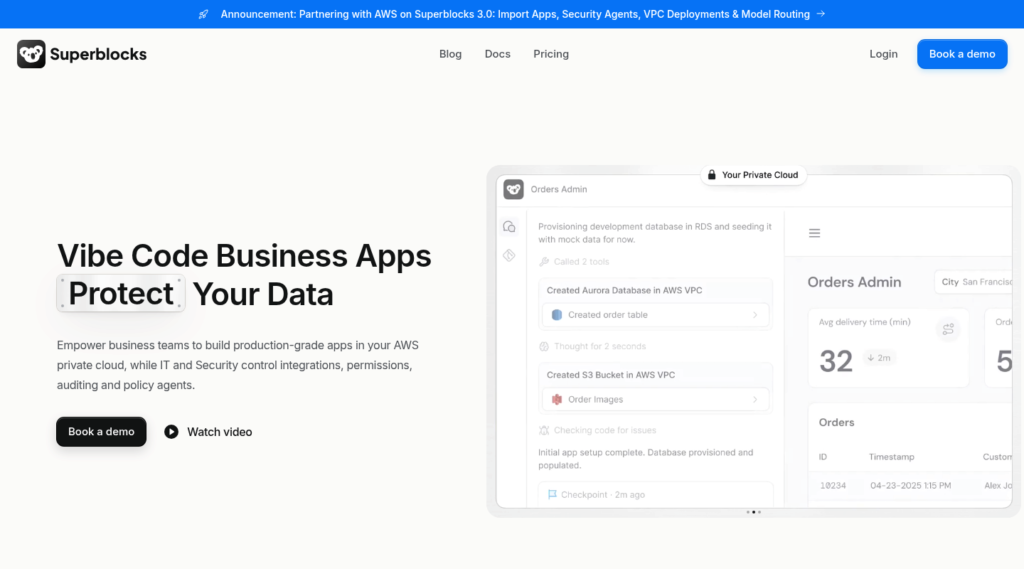
Superblocks pitches itself to companies worried about vibe-coded apps their IT team can’t see. Business teams build internal apps by prompting Clark, an AI coding agent that works from the company’s data schemas, API documentation and existing app patterns. Teams can also import apps made in Claude, Lovable or Replit. The generated code lands in the customer’s Git repository.
Deployment comes in three forms: Superblocks Cloud, Hybrid (production data stays in the customer’s VPC) and Cloud-Prem inside the customer’s AWS, GCP or Azure account. The Teams plan costs $100 per month on annual billing, or $125 month to month. It includes one hosted app, charges $10 per month for each extra app and tops out at 15 builders. SSO, audit logs, source control and VPC deployment belong to the custom-priced Enterprise plan.
Avoid if: You want enterprise controls without a sales process, or nobody on staff can review the code Clark commits to your repository.
5. WeWeb
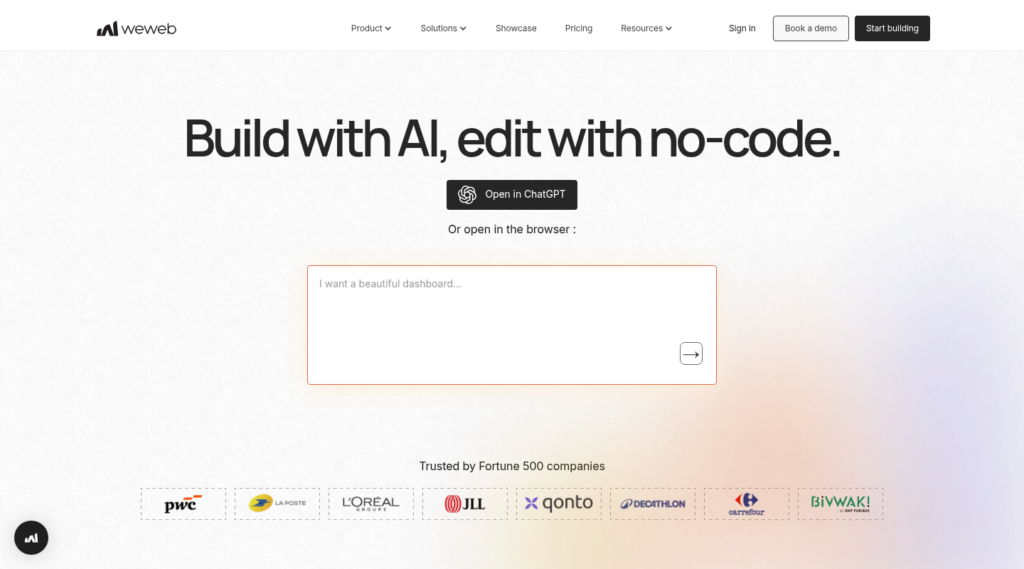
WeWeb pairs AI generation with a drag-and-drop editor. WeWeb AI, or an outside agent connected through the WeWeb MCP Server, can create interfaces, databases, APIs and front-end logic, and builders refine the result in the visual editor. Apps publish to WeWeb Cloud on a global CDN. From the Essential plan up, teams can instead export the front-end and backend code and host it themselves.
WeWeb stores a project’s data in the region picked at setup, in the United States, Europe or Asia-Pacific, and WeWeb says that choice can’t change later. On annual billing, Essential costs $20 per month and Pro $50 per developer per month, with WeWeb Cloud hosting billed per live app from $13 per month. App users don’t need seats. Editor SSO is an Enterprise feature. WeWeb doesn’t support or update exported code, so your team hosts, secures and maintains it.
Avoid if: You’d rather not manage a hosting plan for each app, or you may need to move a project’s data region after launch.
6. DronaHQ

DronaHQ is a low-code platform for internal apps and AI agents, aimed at developers, IT professionals and business teams. Builders can work with prompts or code, or connect Claude Code and Cursor through the DronaHQ MCP server, and the platform wraps the result in SSO, role-based access, secrets, environments and an audit trail. DronaHQ reports SOC 2 Type II compliance and a GDPR audit, with reports available on request.
Plans include unlimited users and meter server-side calls as tasks, with top-ups at $0.002 per task. On annual billing, Starter costs $100 per month ($140 month to month), and SAML and OpenID SSO start on the $500-per-month Business plan. Audit logs and granular permissions wait for Enterprise, and self-hosted Business runs $1,500 per month on an annual plan.
Avoid if: The budget can’t stretch to the Business tier for SSO, or your apps fire enough database and API calls that per-task metering gets hard to forecast.
7. Bubble
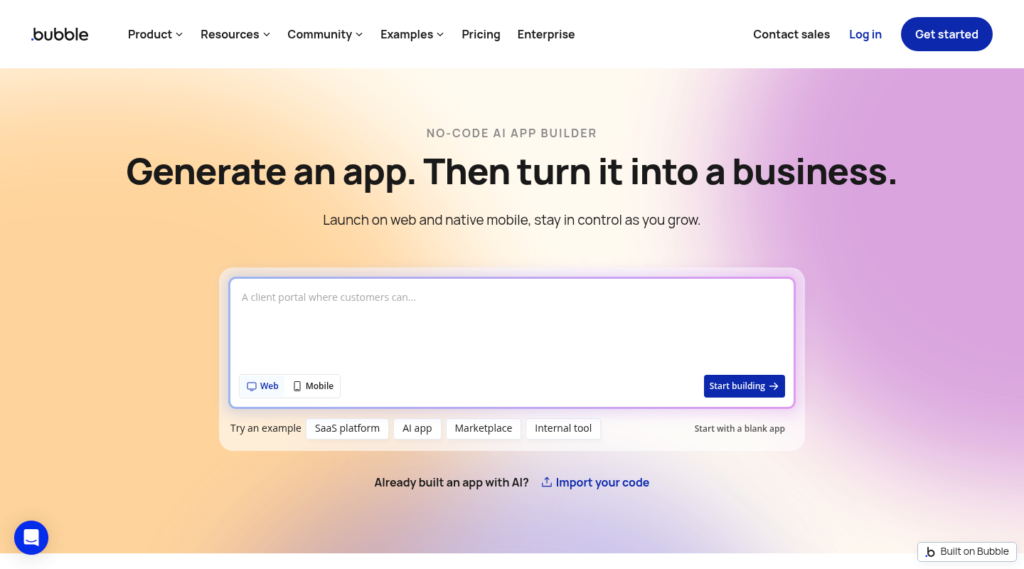
Bubble builds web apps and native iOS and Android apps, combining AI generation with a visual editor where design, database, logic and privacy rules live together. For apps with custom page layouts, motion or strong brand styling, Bubble leaves more room for front-end design.
The Free plan runs a development version, so launch requires Starter at $32 per month on annual billing; Growth costs $119 and Team $349. Every plan meters server activity in workload units, from 50,000 per month on Free to 500,000 on Team, with overages or add-on tiers past that. Enterprise brings SSO, a SOC 2 report and a choice of hosting location. Privacy rules decide who reads which data, and someone on the team has to design and test them.
Avoid if: You need SSO below Enterprise pricing, or finance wants a bill that doesn’t move with workload units.
8. Glide
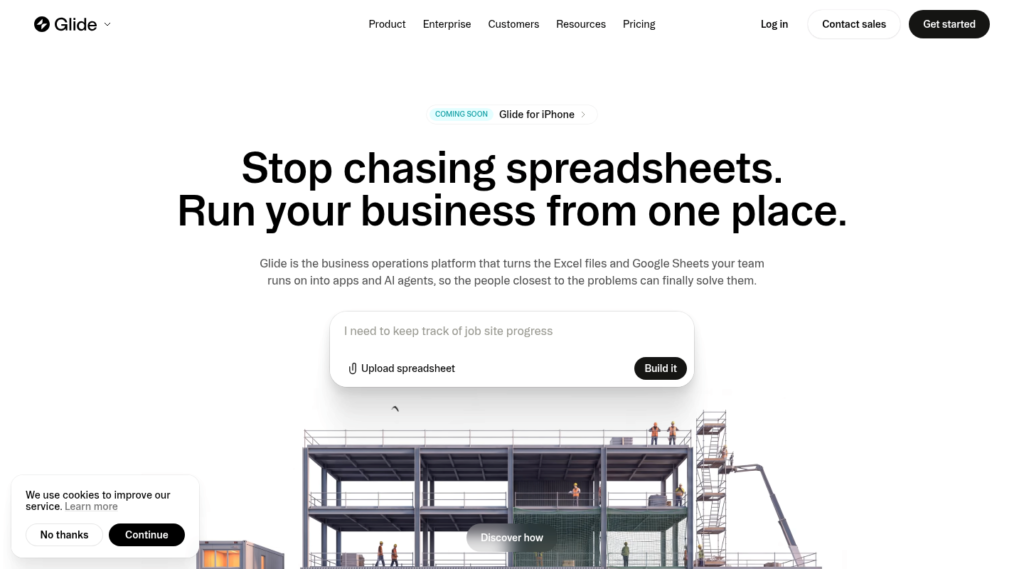
Glide now runs new projects on GlideOS, a platform for building internal business apps from a spreadsheet, a prompt or a file. GlideOS is separate from Glide Classic. Glide grew up as a mobile-first builder, and phone-first apps for field crews remain its home ground.
Pricing mixes credits and team members, and Glide says annual plans are coming. Free allows 2 members and no published apps. Basic runs $25 a month and includes 100 credits and 2 published apps, Plus at $50 adds public apps, and Pro starts at $125 for 5 members. SSO, audit logs and publishing approval belong to Enterprise. Glide lists SOC 2 Type II and GDPR. On G2’s Glide Classic profile (820 reviews, 4.7 average), the tags Expensive (32 mentions) and Pricing Issues (26) recur among complaints.
Avoid if: The team will grow fast, since member and credit tiers climb together, or you need SSO before an Enterprise contract.
9. Lovable
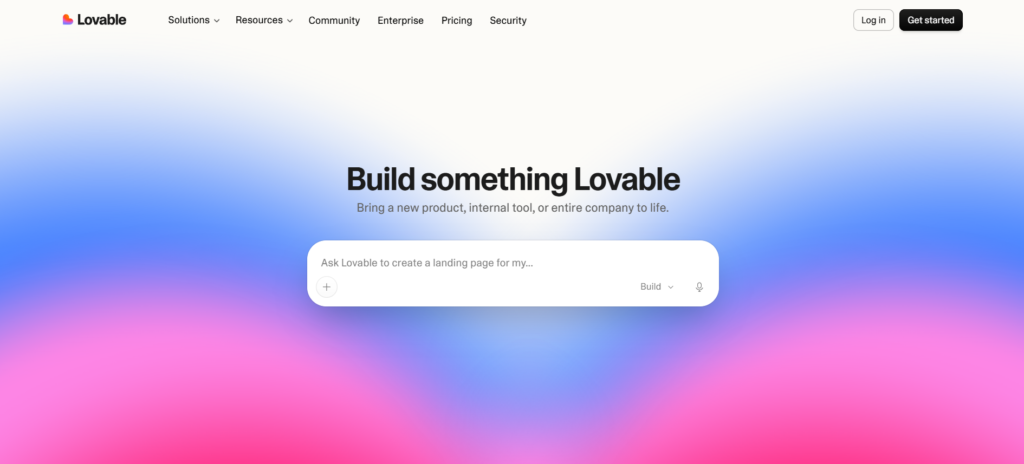
Lovable turns plain-language descriptions into full-stack apps, websites and internal tools, written as code the customer’s team maintains. Lovable Cloud handles hosting, and free publishing is invite-only, for up to 10 people per project. The Business plan, at $50 per month, adds SSO, role-based access and a security center. Enterprise adds SCIM, audit logs, publishing restrictions and scheduled security scans, along with Git sync data residency and EU inference.
Every build action spends credits. Pro costs $25 per month for 100 credits, and Lovable’s own pricing page shows a prompt as small as making a button gray using 0.50 credits. Credit System leads the complaint tags across 428 G2 reviews (40 mentions, 4.6 average). Having the code also means your engineers review, secure and maintain it once the app grows past what prompts can fix.
Avoid if: Nobody on staff can own a codebase after launch, or small interface tweaks shouldn’t draw down a credit balance.
10. Replit

Replit’s Agent takes a description and builds a working app with authentication, a database, hosting and monitoring included. The output is code inside a Replit project that builders can open and edit. The pricing page notes that the Agent runs on large language models, behaves in a probabilistic way and can make mistakes.
Replit charges $20 a month for Core, or $18 when you pay for a year. The Pro tier costs $100, or $90 with a year’s commitment, and adds up to 15 collaborators and 28 days of database rollback. SSO, SCIM, audit logs and single-tenant or private networking options sit on Enterprise. Across 413 G2 reviews (4.4 average), Expensive (68 mentions) and Credit System (53) are the leading complaint tags. The team that ships a Replit app also takes on its patching, dependency updates and security reviews.
Avoid if: You need identity controls without an Enterprise contract, or no one on staff maintains code.
What happens when enterprise AI app builder ?
Keep these factors in mind when building enterprise-ready products with AI app builders:
1. Sign-in gets questioned before features do.
Reviewers ask whether staff log in through the company identity provider and whether access ends the day someone leaves. Seven of the ten platforms above put SSO on their top or custom-priced plan, so the pilot price and the approved price differ.
2. Hiding a field on screen doesn’t protect it.
An app can hide a column while the browser still receives the data, so test with a low-access account before launch.
3. Generated code turns into a system someone owns.
When a builder outputs source code, IT inherits dependencies, patches and a security review cycle. Platforms that run apps on maintained components keep that work with the vendor.
4. External users change the math.
Per-user licensing that works for 40 employees can stall a portal for 400 clients. Check whether the vendor bills by app users, seats, builders or usage.
5. Region choices stick.
Some platforms fix the hosting region when a project starts. Settle EU or US residency before the first build.
IT checklist before you approve an Enterprise AI app builder
Send these to each vendor, and ask for the plan name next to every yes.
- Which plan includes SAML or OpenID SSO, and what does it cost for our headcount?
- Does the platform support SCIM, so accounts close when HR offboards someone?
- Do permission rules run on the server or in the browser?
- Can an admin preview the app as a specific user before publishing?
- Which audit logs exist: app changes, data changes or both?
- Which regions can host our data, and can we move a project later?
- Can we read the vendor’s SOC 2 Type II report?
- Does the app run as code we patch, or on components the vendor maintains?
- How does the bill change when clients or partners log in?
- What happens to editing and running apps when AI credits run out?
What’s changing in enterprise AI app builder in 2027?
Agents are moving into the apps themselves. Gartner predicts that 33% of enterprise software applications will include agentic AI by 2028, up from less than 1% in 2024. For IT, the permission model behind an app now has to govern what an agent inside it can read and change.
Building is also moving into chat assistants. Anthropic donated the Model Context Protocol to the Agentic AI Foundation, a Linux Foundation fund it co-founded with Block and OpenAI, and the project reports over 97 million monthly SDK downloads and 10,000 active servers. Softr’s official Claude and ChatGPT connector, live since October 2026, is one example: a builder can create or change an app from a chat window. Before 2027 budgets close, map which assistant connects to which data, and under whose permissions.
Code security will stay the sticking point for generated apps. In Veracode’s tests of 80 coding tasks across more than 100 language models, AI-written code introduced OWASP Top 10 vulnerabilities in 45% of cases. Teams that keep generating source code will need review capacity to match, while platforms that don’t hand IT a codebase keep that review on the vendor’s side.
Choosing an enterprise AI app builder for 2026
Start with the reviewer’s questions, then pick the tool. Softr suits enterprise business teams that want portals and internal tools on their own data: the enterprise AI app builder drafts the database and core app, permissions run on the server, Enterprise adds SSO, SCIM and audit logs, and pricing follows app users. Three other platforms have clear strengths for specific needs. For apps that live on phones, Glide is the better mobile-first choice. Bubble offers more front-end design freedom for custom layouts and heavy branding. Retool brings version control and audit logs for engineering teams that can handle its technical setup. Whichever platform you pilot, put the ten questions above to the vendor first, and read each platform’s terms on data, output ownership and commercial use.
Also Read :- 10 Best SOC 2 Software Platforms for 2026, Compared by Who Does the Work