Think about how many devices connect to a network in a school, office, or college campus every day. Students attend online classes, employees join video calls, and security cameras keep running in the background. When all these devices use the network at once, slow connections and dropped signals can make daily tasks harder.
While Wi-Fi access points help devices connect wirelessly, they also depend on a strong wired network to carry data and keep everything running smoothly. This is where campus switches come in. They supply power to access points, move data between connected devices, and help manage network traffic as demand grows.
Let’s look at how these switches support Wi-Fi and connected devices and why they are important for a reliable campus network.
1. Power Wi-Fi Access Points and Connected Devices with PoE
Every access point needs power before it can send a Wi-Fi signal. Campus switches provide this power through the same cable that carries data, using Power over Ethernet, or PoE. This means each device needs only one cable instead of a data cable and a separate power cord.
Different devices need different amounts of power, so these switches support different PoE levels. PoE+ ports power phones and many cameras, while 90W PoE++ ports can power more advanced access points. Some models share a total power budget of up to 1,950W across their ports.
This means access points can be placed on ceilings or in hallways without needing nearby power outlets. Cameras and phones also get the same freedom because they receive power through their data cables. As a result, adding or moving devices becomes easier.
2. Deliver Multi-Gigabit Speeds to Wireless Access Points
Power helps an access point work, but speed determines how well it performs. Modern Wi-Fi can transfer data faster than a basic 1G cable can handle. Campus switches solve this problem by providing faster ports, so the cable does not limit the wireless connection.
Newer Wi-Fi 6, 6E, and 7 access points often need more speed than a 1G connection can provide. Some models offer 24 or 48 ports at 2.5G, allowing many access points to work at higher speeds. This helps people stream videos and join calls without long delays.
Speed also matters for the links connecting campus switches to the rest of the network. Uplink ports at 10G or 25G carry traffic from many access points at the same time. This helps keep Wi-Fi fast even when more people and devices connect.
3. Connect Large Numbers of Devices with Flexible Port Configurations
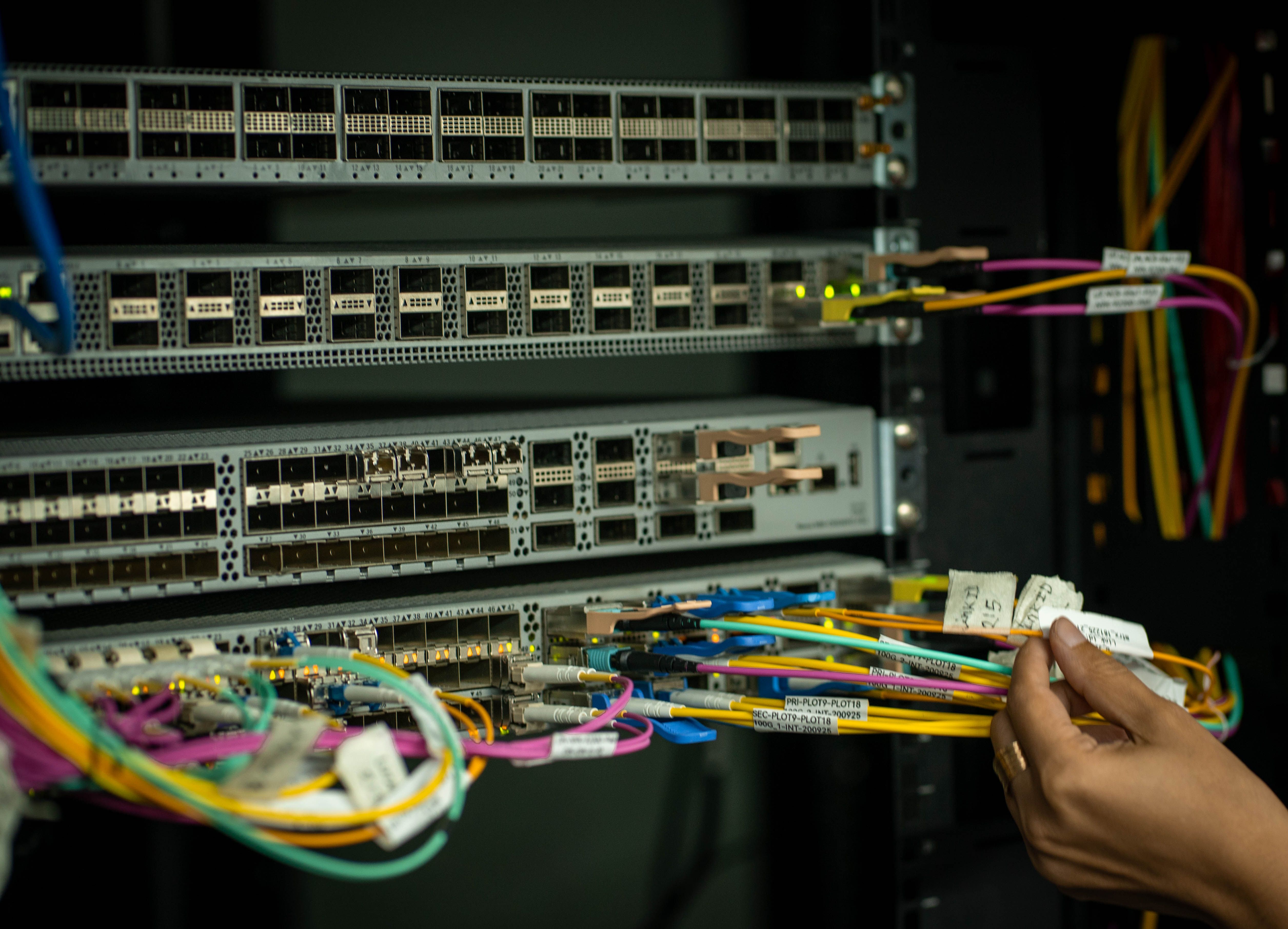
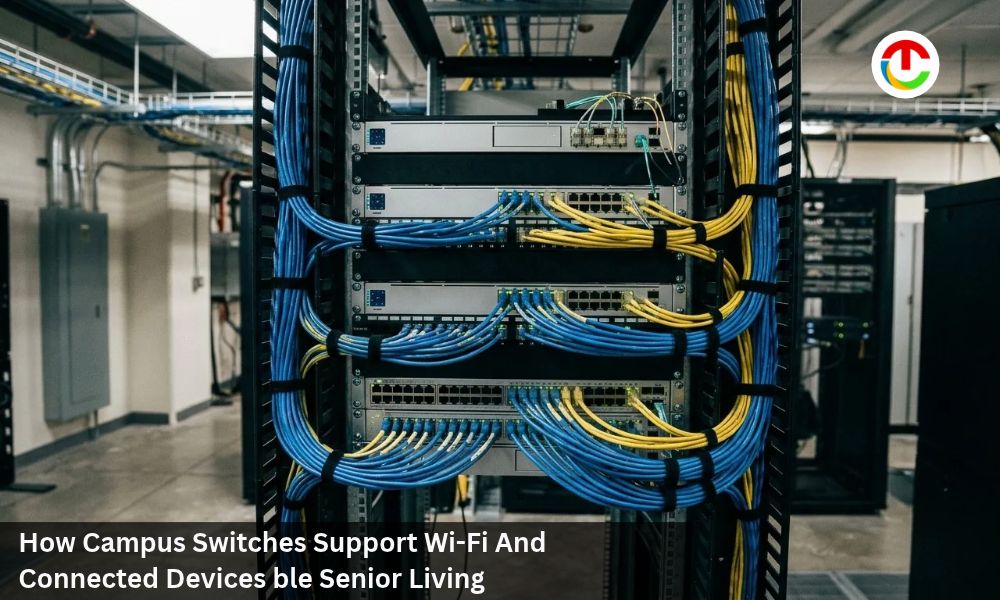
Behind every Wi-Fi network is a large number of wired devices. Each access point, camera, and phone needs its own port on a campus switch. These network devices meet this need by offering many ports in one device, with options ranging from 8 to 48 ports.
Models with 8 or 12 ports suit small offices, while 48-port models can serve an entire floor. This range allows campus switches to support anything from a single room to a large building. As a result, every device gets a direct and stable connection to the network.
Different port types provide even more flexibility because not every device uses the same connection. Copper ports connect most devices, while fiber and combo ports can connect rooms and buildings over longer distances. These options help keep every device connected, whether it is nearby or far away.
4. Manage Wi-Fi and Device Traffic with Layer 3 Routing and Dedicated Management Ports
Once devices are connected, their data needs to reach the right destination. Layer 3 campus switches work like traffic guides, directing data between different parts of the network. This helps Wi-Fi users, phones, and cameras send and receive information quickly.
Many Layer 3 models offer 24 or 48 ports, making them suitable for busy offices and campuses. Since routing happens directly on the switch, data from many devices can move smoothly between different areas. This also makes it easier to organize the Wi-Fi network as it grows.
Managing the campus switch is also important, especially when problems occur. Most models include console, USB, and separate management ports, giving network teams several ways to access the switch. This access helps them find and fix problems quickly, even when the main network is busy.
5. Keep Wi-Fi and Devices Online with Redundant Power and Hot-Swappable Components
All these features are useful only if the network equipment keeps working. If a switch loses power, every access point and device connected to it may go offline. Calls, security cameras, and daily work can stop within seconds.
Redundant power gives these switches a backup when power problems occur. Some models have two power supplies, allowing one to keep the switch running if the other fails. Others use hot-swappable power supplies, which can be replaced while the switch stays on.
Heat is another risk because an overheated switch can slow down or stop working. Hot-swappable fan trays help keep the switch cool and can be replaced without turning it off. Some models also send a final alert when power fails, helping teams respond to problems faster.
Conclusion
A reliable Wi-Fi network needs more than strong wireless signals. It also depends on a wired network that can handle many connected devices without slowing down. Campus switches make this possible by supplying power to access points, delivering fast data speeds, managing network traffic, and helping prevent downtime.
As schools, offices, and campuses add more devices and adopt newer Wi-Fi technology, the right campus switches become even more important. They help keep connections stable, devices running, and daily tasks moving without unnecessary interruptions.
Also Read :- Data Center Electrical Power Distribution BIM and the Race to Build AI Capacity