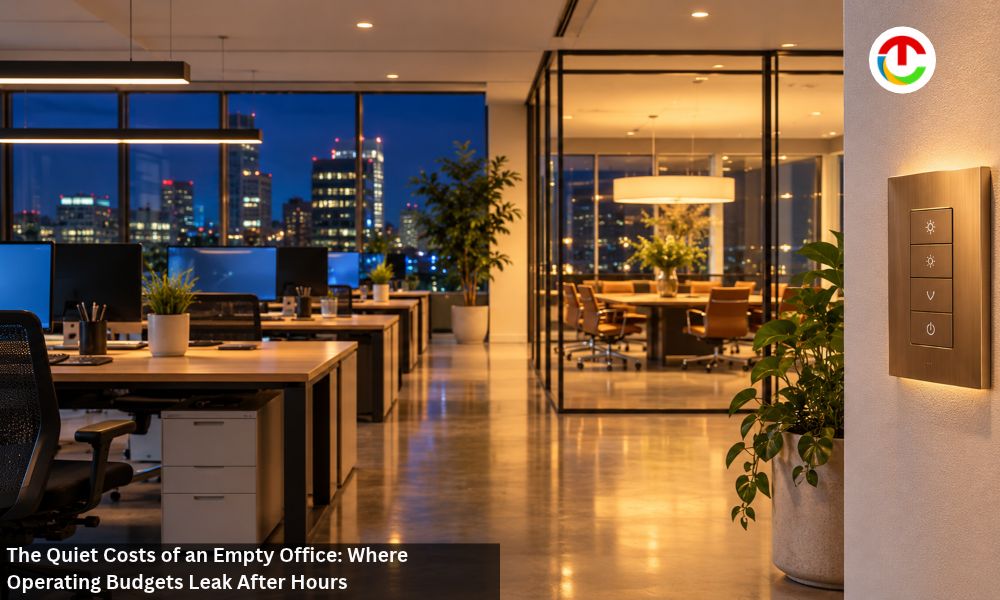
Walk through most offices at 9 p.m., and you’ll find the same scene. Monitors glow on empty desks, the HVAC hums for nobody, and a conference room stays fully lit long after the last meeting ended. None of it looks dramatic. But across a year, and across every floor and branch, these small habits add up to a line item most leadership teams never see clearly.
The problem isn’t usually a lack of technology. It’s a lack of ownership. Facilities assumes IT has it covered, IT assumes it belongs to facilities, and finance only sees the final utility bill. Some of the fixes are surprisingly basic, like replacing old manual light switches and dimmers with controls that respond to how rooms are actually used. Others need better data and clearer accountability.
This guide looks at where operating budgets quietly leak after hours, and how CIOs and operations leaders can plug those leaks without a major capital project.
Why after-hours waste is a leadership problem?
Hybrid work changed office occupancy for good. Many buildings now sit half empty on Mondays and Fridays, yet they’re still heated, cooled, lit, and powered as if every desk were full.
That gap between occupancy and operation is where money disappears. According to the U.S. Energy Information Administration, space heating accounted for about 32% of energy use in U.S. commercial buildings in 2018, with ventilation and lighting each making up about 10%. When those systems run on fixed schedules instead of real usage, a large share of that spend serves empty rooms.
For CIOs, this matters for two reasons. First, the building is now part of the technology estate. Sensors, controls, and building management systems sit on the network and generate data. Second, energy and operating costs are under the same scrutiny as cloud and software spend. Leaders who can show savings here earn credibility for bigger investments elsewhere.
Lighting: the easiest leak to spot and fix
Lighting is the most visible after-hours waste, which also makes it the easiest place to start.
Older offices often rely on manual wall switches and a hope that the last person out remembers to use them. Modern controls take that hope out of the equation. Occupancy and vacancy sensors turn lights off when a room empties. Dimmers let teams set lower light levels for focused work or presentations. Daylight sensors reduce output near windows when natural light is strong.
The savings are well documented. ENERGY STAR notes that occupancy sensors can save between 15 and 30 percent on lighting costs, and suggests starting with storage rooms, meeting rooms, and other low-traffic spaces.
A few practical tips help these upgrades pay off:
- Start with rooms that are used occasionally, not constantly
- Set sensor delays long enough to avoid lights switching off on people
- Place sensors where they can “see” movement, not behind doors or shelves
- Review settings after the first month and adjust based on feedback
HVAC schedules built for a five-day office
Heating and cooling usually make up the largest share of building energy, and they’re often the most poorly tuned.
Many systems still run on schedules set years ago, before hybrid work. They condition entire floors from early morning to evening, five days a week, whether ten people come in or two hundred.
Three changes make a real difference of Operating Budgets :
- Align HVAC schedules with actual badge or booking data, not assumed hours
- Zone the building so lightly used areas can be set back independently
- Connect the building management system to occupancy data, so conditions respond automatically
This is where IT and facilities need to work closely together. The data already exists in access control, room booking, and Wi-Fi systems. The challenge is connecting it safely to the systems that control the building.
1. Idle technology and plug loads
Computers, monitors, printers, display screens and kitchen appliances draw power around the clock. Individually, the numbers look tiny. Across hundreds of devices, they become a steady drain.
IT teams are well placed to tackle this. Enforce power management policies through device management tools so monitors and PCs sleep when idle. Schedule meeting room displays and digital signage to shut down outside business hours. Review printer fleets, since many offices still have more printers than they need. Fewer devices also means fewer things to patch and support.
Server rooms and network closets deserve a look too. Older equipment that has been replaced by cloud services is sometimes left running simply because nobody is sure what it supports. A quick audit can retire hardware, cut power use, and reduce security risk in one step.
2. Data you already have, but rarely use
Most organizations already collect the data needed to find these leaks. Smart meters, building management systems, badge logs, room booking platforms, and network analytics all show when spaces are actually in use.
The gap is that this data sits in separate systems owned by separate teams. Bringing it into a single dashboard, even a simple one, changes the conversation. Leaders can see which floors are empty on which days, which rooms are booked but never used, and where energy spikes don’t match occupancy.
This connects closely to the broader shift toward smarter workplaces, and our CEO’s guide to smarter workplaces covers how data and design can work together to support both productivity and efficiency.
How to build ownership and keep savings of Operating Budgets ?
Technology alone won’t hold savings in place. Without clear ownership, settings drift and old habits creep back.
Assign a single owner for after-hours operations, with input from IT, facilities and finance. Set a baseline using the last twelve months of utility bills, then track progress monthly. Share wins with employees, too. People are far more likely to support changes like sensor lighting and HVAC setbacks when they understand the reasons behind them.
Finally, treat building systems with the same security discipline as any other connected device. Change default passwords, segment building networks and keep firmware updated. A smart building that isn’t secure creates new risks while trying to reduce old costs.
Frequently Asked Questions
1. What is the biggest source of after-hours energy waste in offices Operating Budgets ?
Heating and cooling usually account for the largest share, followed by lighting and idle equipment. Systems running on fixed schedules in partly empty buildings are the most common cause.
2. Are lighting controls worth it for smaller offices?
Yes. Occupancy sensors and dimmers are relatively low-cost upgrades, and they often pay for themselves quickly in meeting rooms, storage areas and other spaces that sit empty for long periods.
3. Who should own office energy management?
Ideally, one named owner with support from IT, facilities and finance. Shared responsibility without a clear lead is one of the main reasons savings fade over time.
The Bottom Line
After-hours waste rarely makes headlines, but it quietly drains operating budgets every night. The fixes are practical: smarter lighting controls, HVAC schedules that match real occupancy, power management for idle devices, and shared data that shows where money goes. With clear ownership and a little collaboration between IT and facilities, leaders can cut costs, reduce risk, and run a workplace that reflects how people actually work today.
Also Read :- How Smart HVAC Technology Is Transforming Modern Buildings and Workplaces